Todos los cambios publicados que te llegan, en un solo lugar.
Feed RSSComprobando la disponibilidad del boletín…
tryomie.com/changelog
Últimamente29 CAMBIOS
Aprendizaje
Go deeper with curated learning paths
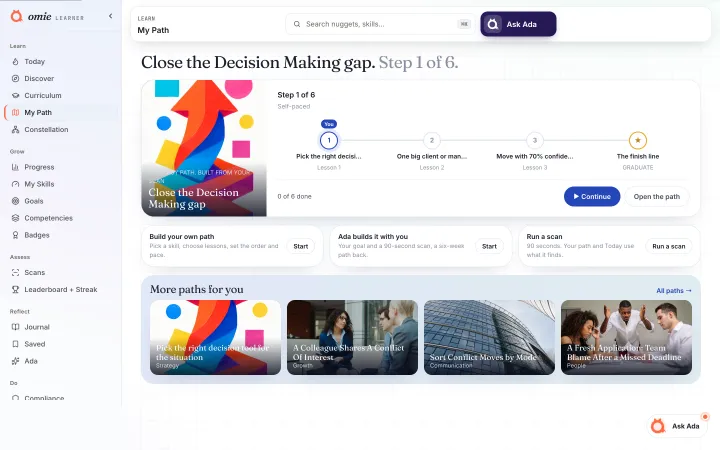
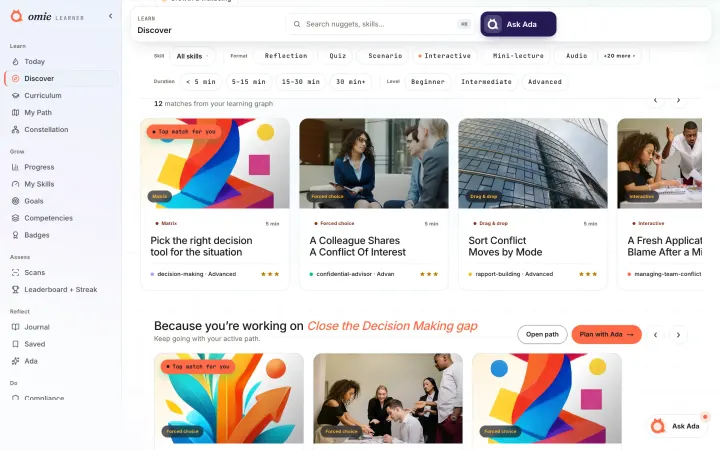
NUEVOEight curated learning paths are now live under /paths. Each one builds a single skill over four weeks, a few minutes a day: see how it works, sharpen your judgment, practise out loud, then make it yours. The catalog covers feedback, difficult conversations, time management, listening, delegation, storytelling with data, coaching and using AI with good judgment. Open a path, enroll, and its nuggets join your daily queue.
Versiones publicadas, con imágenes cuando las hay.
Corregido
Go deeper with curated learning paths
Eight curated learning paths are now live under /paths. Each one builds a single skill over four weeks, a few minutes a day: see how it works, sharpen your judgment, practise out loud, then make it yours. The catalog covers feedback, difficult conversations, time management, listening, delegation, storytelling with data, coaching and using AI with good judgment. Open a path, enroll, and its nuggets join your daily queue.
Connecting or disconnecting Google Calendar or Slack in Settings now records a proper event, so adoption of integrations is finally measurable. The connection flows themselves were verified complete end to end: token exchange, refresh, revoke on disconnect, and honest Connected state in the panel.
A new admin surface at /admin/recommender exposes what the recommendation engine actually does: how much it serves, how often served lessons get completed, how often cold-start fallbacks fire, and the hard health floors (time to first completion, day-1 conversion, skip rate) with honest status. The A/B harness also ran its first real experiment, confirming the scoring arms behave exactly as designed.
Eight curated learning paths are now live under /paths. Each one builds a single skill over four weeks, a few minutes a day: see how it works, sharpen your judgment, practise out loud, then make it yours. The catalog covers feedback, difficult conversations, time management, listening, delegation, storytelling with data, coaching and using AI with good judgment. Open a path, enroll, and its nuggets join your daily queue.
Lanzado
Integration connections now leave a trail
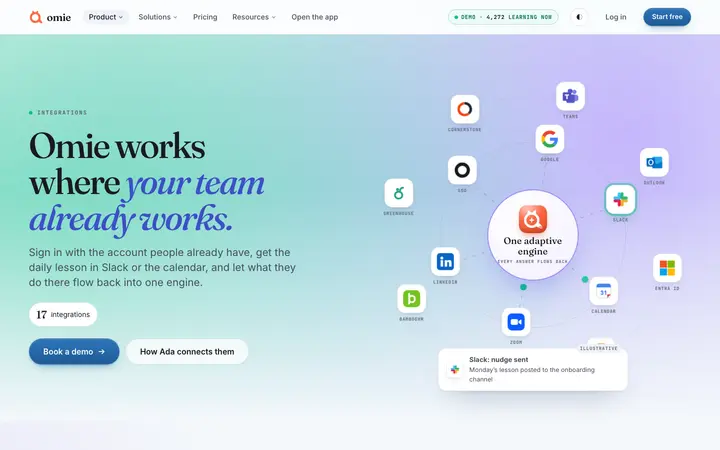
Connecting or disconnecting Google Calendar or Slack in Settings now records a proper event, so adoption of integrations is finally measurable. The connection flows themselves were verified complete end to end: token exchange, refresh, revoke on disconnect, and honest Connected state in the panel.
Lanzado
The recommender now shows its work
A new admin surface at /admin/recommender exposes what the recommendation engine actually does: how much it serves, how often served lessons get completed, how often cold-start fallbacks fire, and the hard health floors (time to first completion, day-1 conversion, skip rate) with honest status. The A/B harness also ran its first real experiment, confirming the scoring arms behave exactly as designed.
Lanzado
Vista previa del diseño
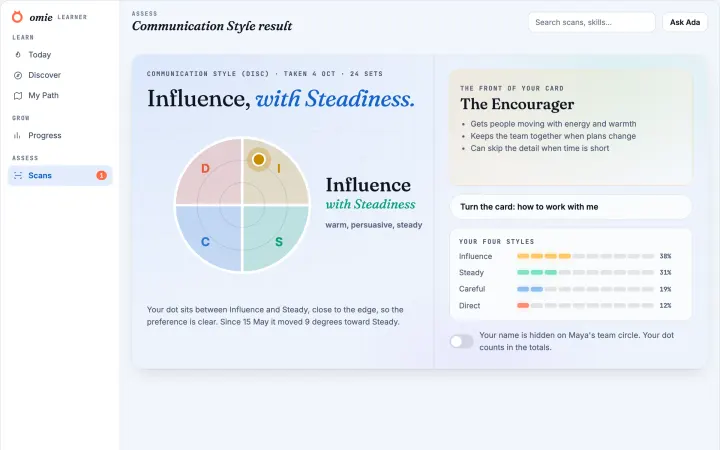
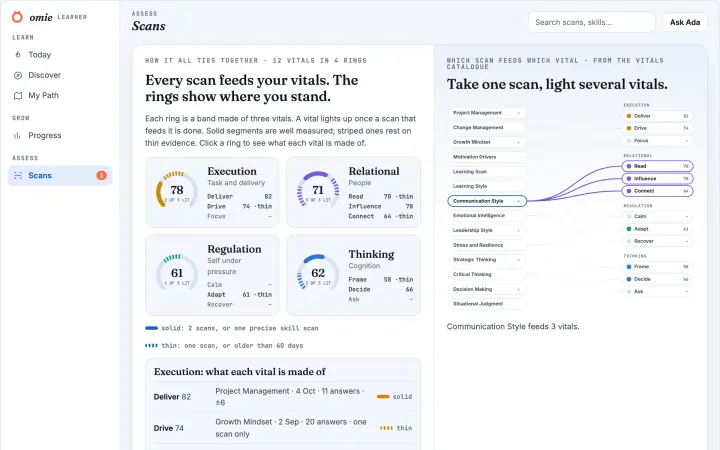
Six new profile scans, from Conflict Pattern to Creative Style
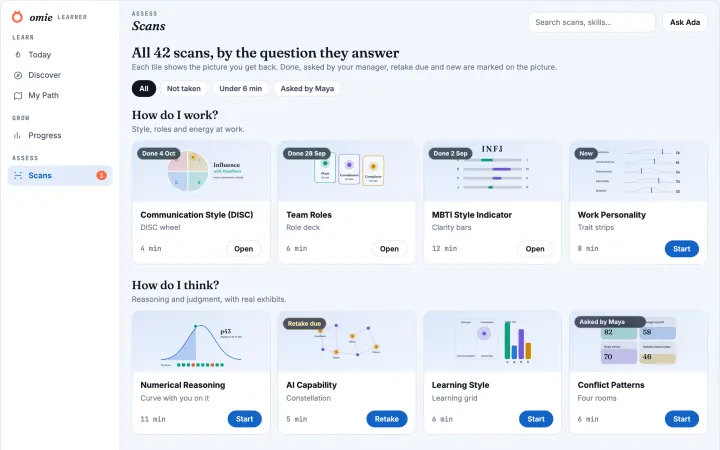
Six new profile scans map how you actually operate: the culture you thrive in, your default under conflict, where your confidence is real, what kind of curious you are, where you take risk comfortably, and how your creativity works. No good or bad scores here; the shape is the insight, and each result names your leading style with its strengths and edges.
Lanzado
Vista previa del diseño
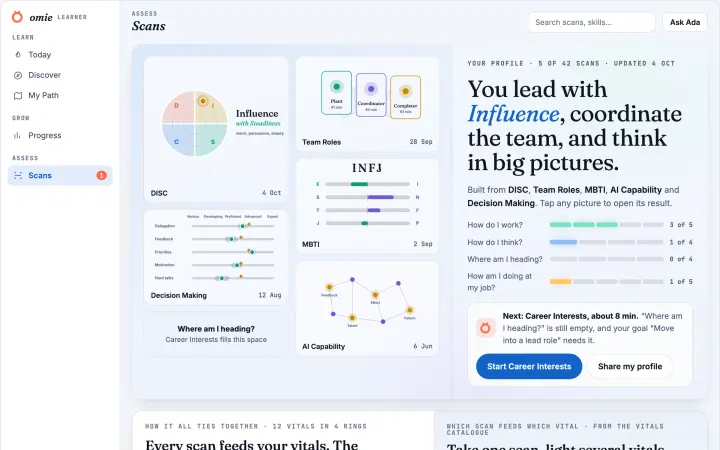
Three new mastery scans: Negotiation, Influence, Coaching
Three new adaptive knowledge scans landed in your Scans library. Each reads five components of the skill (like BATNA preparation or powerful questions), maps what unlocks what, and shows where your evidence stands. Grounded in the classic frameworks: principled negotiation, Cialdini's persuasion principles, and the GROW coaching model.
Lanzado
Vista previa del diseño
New scans: Manager Readiness, Career Readiness, Energy and Burnout, Cognitive Load
Two new mastery scans test whether you are ready for the manager transition and whether your next career move is a plan or a hope. Two new self-report scans read your energy across four burnout domains and show where your mental load actually comes from. Higher is healthier on every spoke, and every domain is trainable.
Corregido
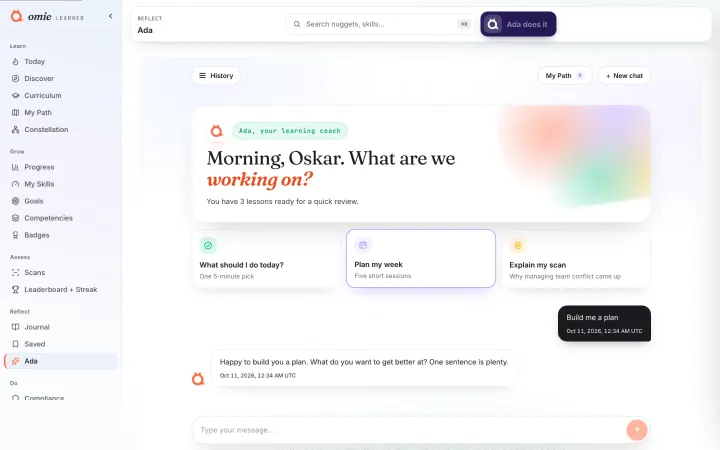
Ada's chat page got a real repair
Three fixes on the Ada page. Your Monday check-in now appears once (old stacked greetings are collapsed too), the greeting names the actual day it was written, and questions you ask mid path-setup now reach Ada's real coaching brain instead of a scripted setup prompt. If her model is ever unreachable you'll see an honest notice rather than a canned reply.
Lanzado
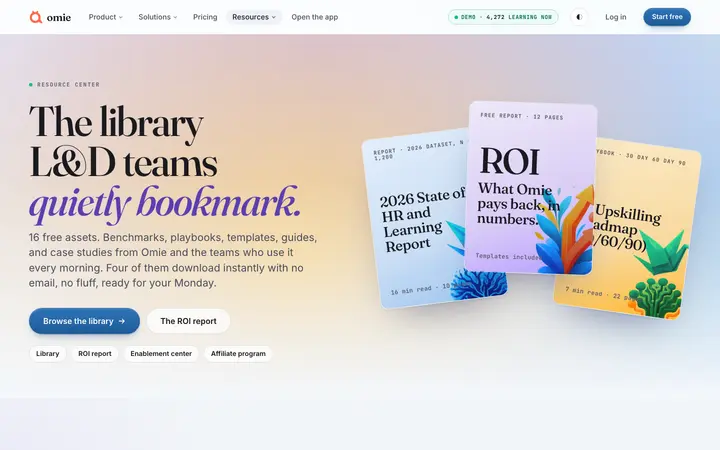
Four field guides download with no email
Four of the guides in the Resource Center are direct downloads, with no form in the way. The others still ask for a work email and send the guide there.
Lanzado
Vista previa del diseño
Your team's proof, right where the upgrade decision happens
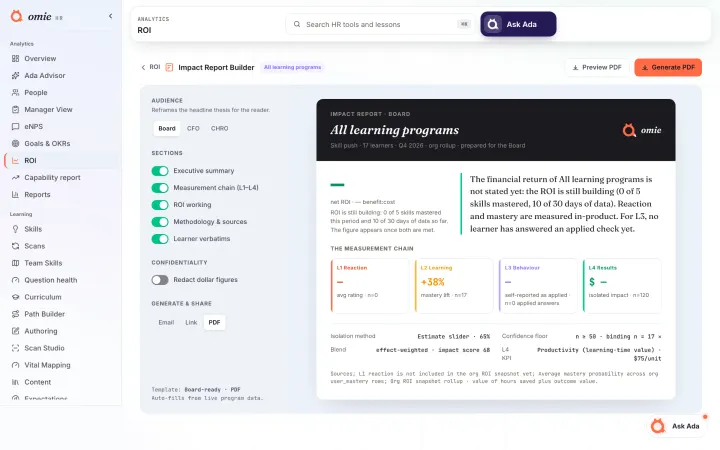
Managers on a free or trial workspace now see their own team's real capability movement (before, after, and who improved) on the upgrade page, measured from monthly mastery snapshots. The full Capability Report stays with Business. On the first of each month, managers whose team genuinely moved get a short email and an in-app note with the numbers and a link to the report.
Lanzado
Getting Started reads properly in dark mode
No more pinned-white panels floating in a dark shell. Text, cards and progress all use the dark surface tokens, so the page is readable in either theme.
Lanzado
Tighter checks on who can open what
Direct object references are verified against your organisation before anything loads, and when an entitlement cannot be resolved the answer is no rather than yes. Nothing you could see before has been taken away.
Corregido
Ada's dock is steadier everywhere
Ada's floating dock got a round of polish. It steps aside while you take a scan (no coaching mid-assessment) and on the full Ada pages, so you never see two Adas at once. It recovers on its own after a network blip, always describes the page you are actually on, and returns keyboard focus to its button when you close it. On phones it now respects the screen's safe areas.
Corregido
Blog bylines, CTA contrast, and assessment links fixed
A prior blog repair () shipped real SEO and schema wins but introduced three regressions, now fixed: (1) author bylines had collapsed to a single generic "Omie Editorial" credit with no avatar; restored the Nadia Reyes, Sam Okafor, and Priya Menon personas, re-attributed deterministically by content category, and wired the avatar into both the blog card grid and the article header. (2) The CTA button inside inline article placements rendered coral text on a coral background due to a CSS specificity collision with the article body's markdown-link styling; fixed without touching the real body-link styling. (3) Nearly every post's assessment/report CTA defaulted to one of two generic options; category-based routing plus a stable per-post pick now reaches 8 of the 9 named assessments, with ai-readiness and ROI kept as genuine-topic-only gates.
Lanzado
Ada can now act on what you type, and remembers to follow up
Managers can now type a plain-language request into the Ada Dock, "assign the onboarding track to the 3 people who need it most and book their 1:1s", and Ada stages a real, reviewable plan before anything runs. Learners get a distinct heads-up when a goal has slipped instead of a generic nudge, and Ada's weekly check-in now resurfaces a struggle or win you have not revisited in a while. Behind the scenes, a manager acting on Ada's advice now quietly informs what gets recommended to that person next.
Lanzado
Your digest schedule is a real switch now
Two things on Reports looked finished and were not.
The digest schedule listed three fixed rows whose switches did nothing at all. It now shows the reports you have actually scheduled, and each switch pauses or resumes that report for real. The weekly team digest carries a plain status instead, because it is a platform schedule rather than something you configure.
Past digests told you to wait for your first Monday send even when digests had already gone out. It now lists what we genuinely sent, newest first, and a manual "Send now" appears there too.
The preview also stopped claiming your digest goes to a skip level at 8:00 AM. It shows the real recipient and the real send time. The Driver heatmaps tab is gone until the analysis behind it exists.
Lanzado
Build a course with lists, tables, snippets and real media
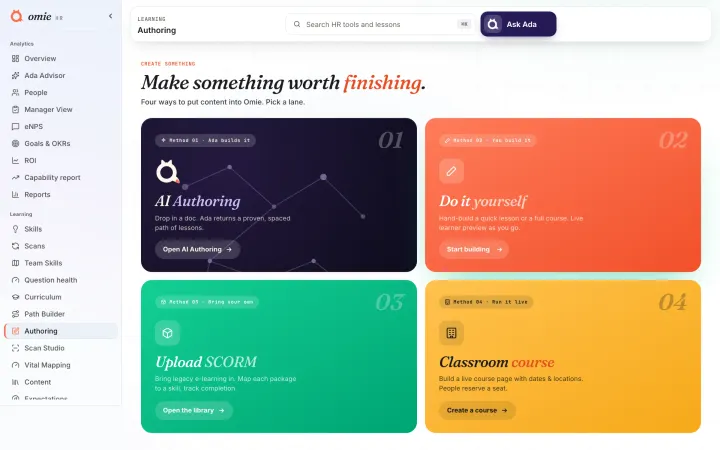
The course builder now offers seven more block types: bulleted or numbered lists, comparison tables, snippets, image galleries, audio, downloadable files and embedded pages. Images and video play in the lesson instead of showing a placeholder, and every image takes alt text. Knowledge checks and the final assessment publish alongside your lessons and mark themselves, including drag-and-drop ordering, short answers with the wordings you accept, and scenarios that set the situation before the question. Hotspot, sorting, branching scenarios and timelines are not offered yet, because a learner could not use them.
Lanzado
The Drop: redo one lesson without rebuilding your path
**Regenerate one lesson at a time.** In the Track Builder, if a generated lesson is not quite right, hover it in the review step and hit **Regenerate**, and Ada rewrites just that one from your source and keeps the rest of the path intact.
The build and review screens no longer float the Ada companion over the "Proceed to build" and "Publish" buttons, a slow analysis now reassures you it is still reading instead of freezing, and if the AI is briefly unavailable it says so plainly instead of telling you to rewrite your content.
Lanzado
Ada starts acting, for you, your team, and your org
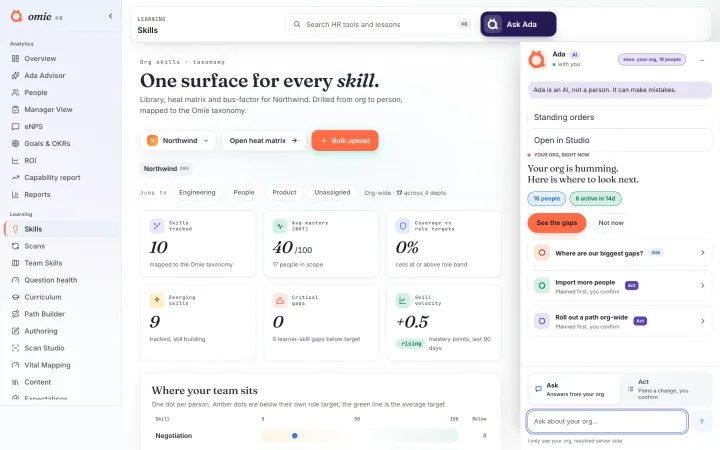
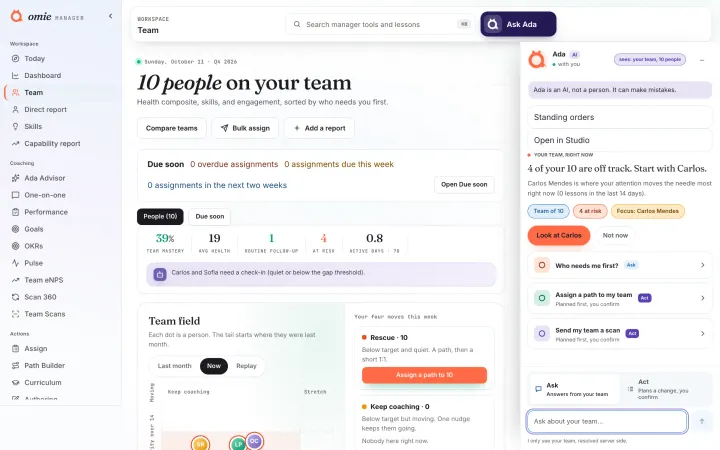
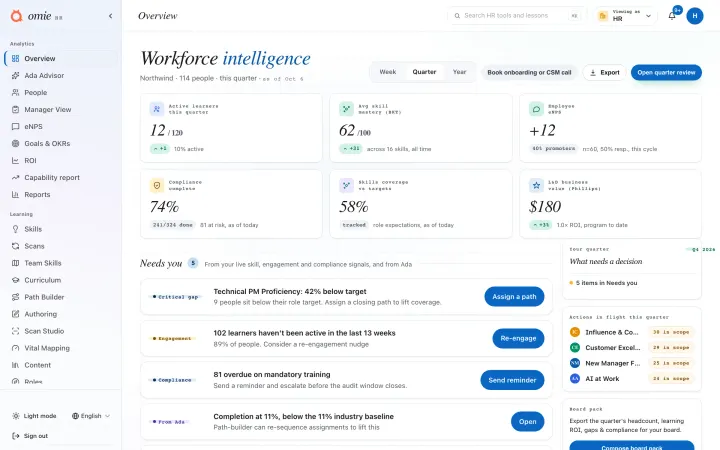
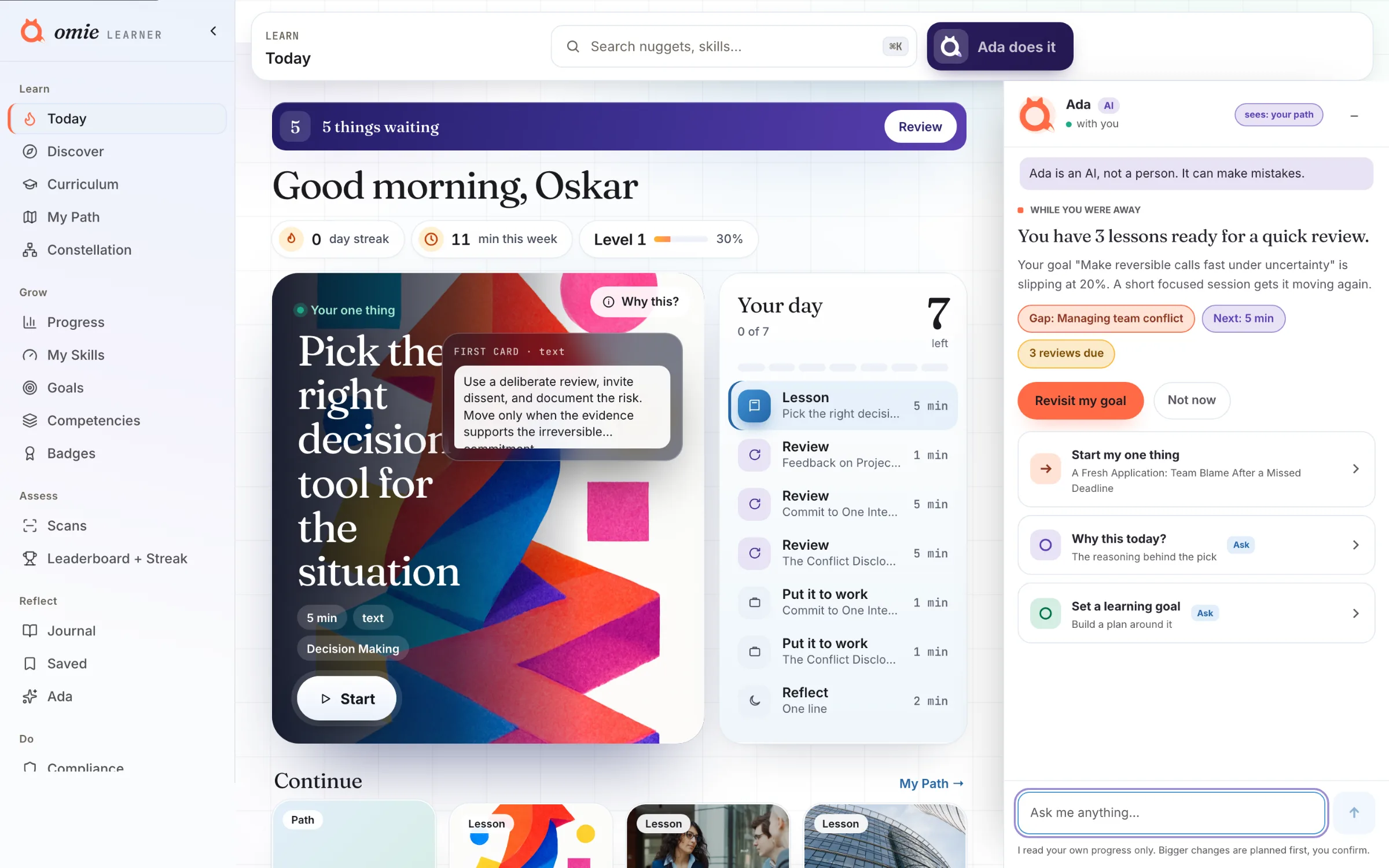
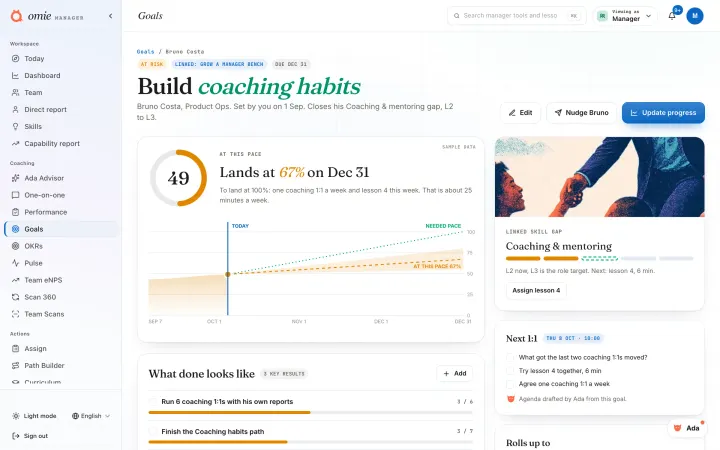
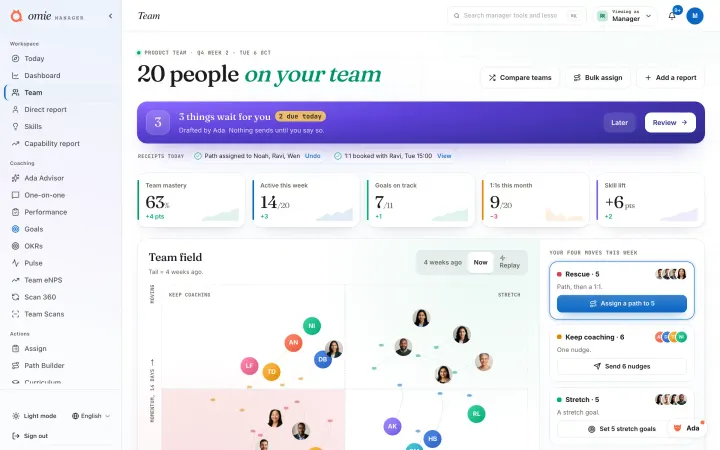
Ada moved from advising to acting. As a learner, she offers a simpler explanation or a worked example right inside a lesson when a check trips you up, and her Monday digest now tells you what she set up for you. As a manager, she briefs you weekly on who needs you first and, once you confirm, books their 1:1s and sends the check-ins, only ever for your own team. For HR, she writes a board pack showing the widest department skill gap against target plus a compliance radar, and proposes a program you can launch for exactly the people below the bar. Everything waits for your confirmation.
Lanzado
Vista previa del diseño
Northwind demo org seeded end to end
The Northwind (omie-demo) org is now a full-platform demo. Learner journals, growth goals, and a live activity tail were added for Oskar Chen and a slice of Aisha Okonkwo's team; manager praise now flows to top performers; and HR business outcomes (ramp time, CSAT, attrition, mobility) span two quarters for the measurement and ROI views. This sits on top of the existing completions, mastery history, scans, OKRs, eNPS, pulse, reviews, compliance, skills matrix, and 9-box data.
Lanzado
Ada moved in: your companion on every page
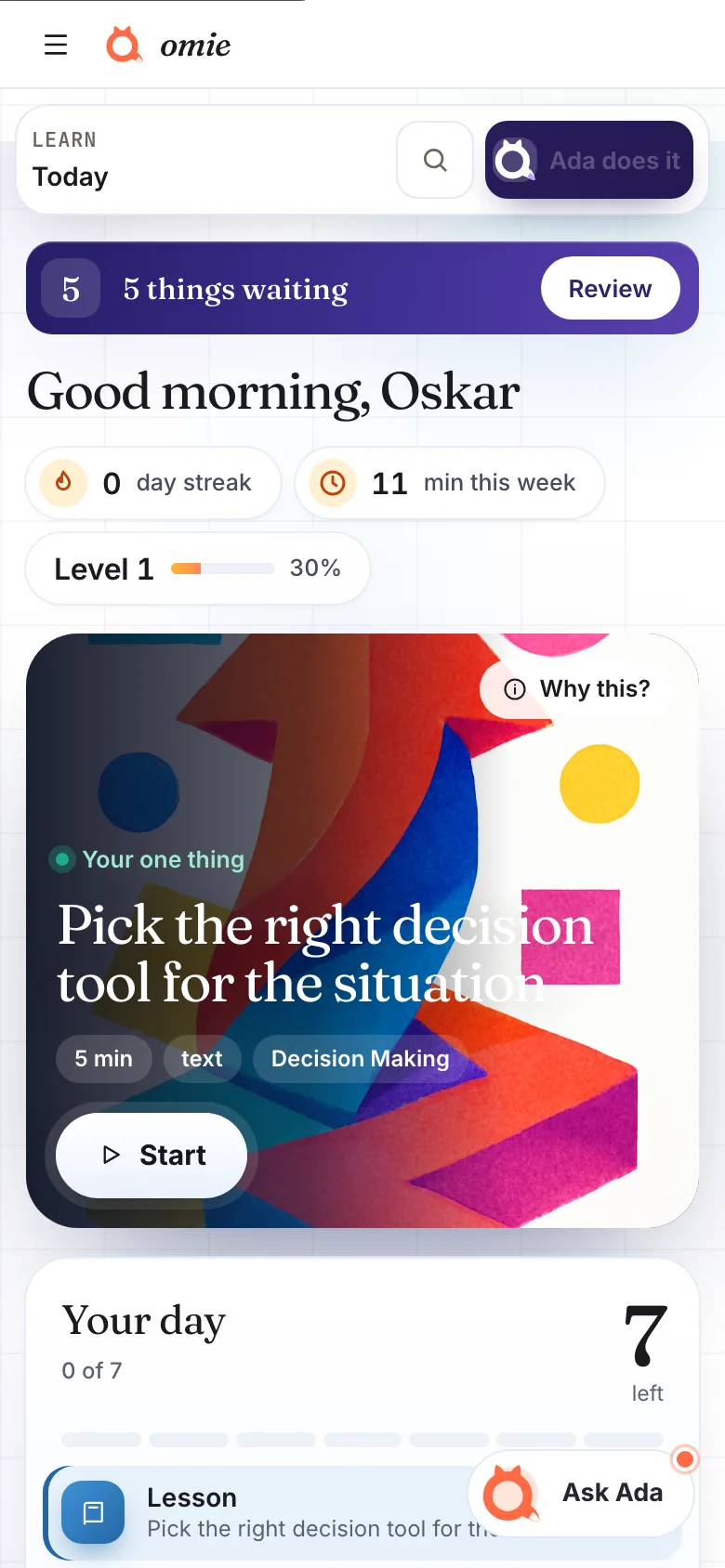
Ada is no longer a page you visit. She is with you everywhere: on a lesson she can explain it simpler or show an example, on a scan result she explains what it means, on your team page she talks about that person, and in HR she can stand up your whole org from a roster. She plans first and shows you exactly what will run. Nothing changes until you confirm.
Lanzado
See your learning show up at work
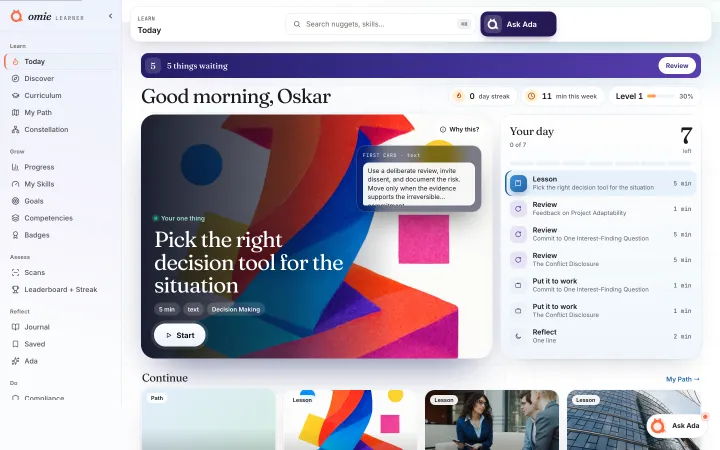
On Today you will now see a "Put it to work" card asking whether you used a recent lesson at work. A quick "I did" logs it, adds to your running count, and shows your manager that learning is turning into action. "Not yet" just clears the card.
Lanzado
Ada can set up your whole org from a spreadsheet
Hand Ada your people list, as a CSV or an Excel file, and it stands your workspace up: it imports and invites everyone, and can assign an onboarding track, a scan, or a cadence in the same breath. Ada plans the whole thing first and shows you exactly what will happen, then runs nothing until you confirm. Managers stay within their own team; org admins and HR work org wide.
Lanzado
Sharper signal on where learners ask for help
Two learner signals joined the event spine. Help-seeking (Explain it simpler, Show an example, and the I'm stuck ladder) is now recorded as its own signal, and the applied-at-work moment gained a read path for Kirkpatrick L3 reporting. Capture only for now; scoring changes come later.
Lanzado
Sharper first picks, grounded in learning science
Omie's recommender can now draw on a seeded evidence base (retrieval practice, active learning, transfer, spacing, and the worked-example effect) when it chooses what to show next. Each principle is cited and tuned to favour active practice over passive reading, and to match the right format to a learner's level (worked examples help beginners but are eased back for experts). It ships switched off behind a flag, so today's rankings are unchanged. Turning it on makes the engine smart from day one, before it has any behavioural signal to learn from.
Lanzado
See the dials move: your 30-day capability report
At day 30, your team re-takes its scans and this report shows the dials actually moved.
- Before to after on every capability (movement, not completion) - A movers and non-movers table, ranked by how far each person travelled - The single biggest capability your team gained - 2 to 3 next-best-actions, ready for your next 1:1s - A clean print or PDF view you can forward to a decision maker
Managers see their own team; HR and org admins see the whole organisation. Open it from the Workspace nav under "Capability report".
Corregido
Vista previa del diseño
Scans page and scan-taking, easier on the eyes
The Scans page hero moved onto a clean light card that matches the rest of the app (and flips properly if you use dark mode). Taking a scan in dark mode is now fully readable, questions sit on a light card instead of fading into the background. The scan intro copy also got a small polish, including the privacy note about what your manager can and cannot see.
Lanzado
Free assessments suite, short campaign links, and the assessments funnel
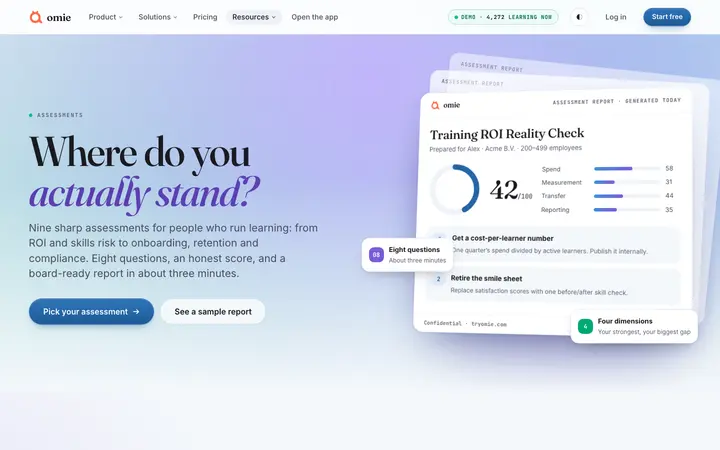
Nine free HR and L&D assessments now live at /assessments: an 8-question quiz, an instant maturity score, and a board-ready PDF report, with contact details saved with assessment results for follow-up. Campaign links can be minted from /admin/assessments-funnel as tryomie.com/go/<code> short links with click counting and UTM passthrough, and the same admin view shows starts, completions, leads, downloads and UTM breakdowns per assessment.
Corregido
Vista previa del diseño
Ada asks before touching your goal
Ask Ada for a path on a new topic and she now checks with you first: add it alongside your current goal, or replace it. Nothing changes until you choose. If you do replace, your previous path is archived, and a new "Restore previous path" button in My Path brings it back, goal and all. Path cards Ada drafts also show a real cover now.
Lanzado
Vista previa del diseño
Publishing a path now tells your team
When you publish a path from the AI authoring builder, your people now hear about it: each assignee gets an email and an in-app notification, and the path lands on their My Path right away. Published lessons also come fully finished (takeaway, example, exercise and a cover) and feed your team's recommendations immediately. The format you approve on the concept screen is the format that ships.
Cada cambio, desde el primer día.
La próxima versión llega a tu Today el mismo día que se lanza.