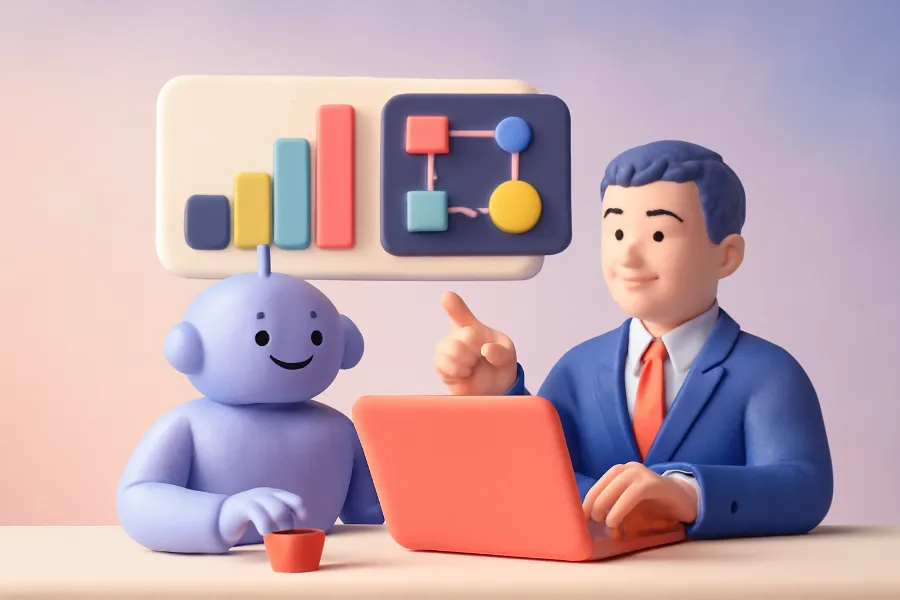
A problem-led software demo starts with the buyer’s stated need and shows workflows that address it. Confirm the problem, demonstrate a small relevant sequence, and ask what fits or is missing before agreeing the next step.
Updated .
What should a useful software demo demonstrate?
A successful demo is less about showcasing your product and more about illustrating how it addresses a buyer's unique challenges. Think of it as a 30-minute conversation focused on problem-solving rather than a feature showcase. The goal is to demonstrate how your solution can alleviate a specific pain point the buyer has expressed.
Buyers are not interested in every feature your product offers; they only care about the three or four that resonate with their needs. Bombarding them with every capability feels generous in theory but overwhelming in practice.
In a fictional practice exercise, prepare two agendas: a broad product tour and a demonstration organised around an invented buyer's stated problem. Ask a colleague to identify which questions each agenda answers and which requirements remain untested. This is a rehearsal method, not a sales experiment or evidence of a higher second-meeting rate.
Buyers often arrive having done much of the thinking already. In Harvard Business Review, Adamson, Dixon and Toman (2012) argued that companies today can readily define their own solutions, so a demo that starts from the buyer's problem respects work they have already done.
Why does a product-tour order lose the buyer’s context?
One of the most prevalent errors in demo presentations is following a product-centric order rather than a buyer-centric approach. Presenters often guide the audience through the app as a new user would, starting from the login screen and progressing through the dashboard and settings. This approach forces buyers to mentally filter which parts are relevant to them, leading to disengagement.
Additional pitfalls include:
- Too Many Tabs Open: Overloading the demo with too many screens can confuse the audience.
- Small Screens: If your audience can't read the content, they quickly lose interest.
- "We Have Lots More I Won't Show Today": This statement leaves buyers feeling like they're missing out.
- "Any Questions?" at the End: This often results in silence, as buyers may not feel encouraged to engage.
Furthermore, many reps fail to customize their demos for specific prospects. Just because the product remains unchanged doesn’t mean the audience does. Each demo should reflect insights gathered from discovery calls. If it doesn’t, buyers may feel undervalued, as if they are just another number in the pipeline.
How do you structure a problem-led demo?
The following is an editorial agenda suggestion. Adjust its timing to the buyer's questions and the agreed meeting length; the times are planning choices, not a validated performance formula.
-
Open with a One-Line Problem Restatement (90 seconds): Begin by reiterating the buyer's problem, incorporating a specific detail they mentioned during discovery. Introduce any new attendees and outline the agenda. This opener confirms you listened, sets expectations, and shows respect for their time.
-
Show Three Workflows, Not Three Modules (15 minutes): Each workflow should tell a story. Relate how the product addresses a real situation discussed in discovery. Pause every 60-90 seconds to ask if this aligns with their expectations. These workflows should reflect the key pain points identified during your conversations.
-
Show One Tactical "Wow" If You Have One (3 minutes): Most products have one standout feature that resonates well in demos. Present this at the end of your workflows, ensuring it feels organic rather than forced.
-
End with a Question, Not a Pitch (5-7 minutes): Conclude with a question like, "Does this match what you described, or is there something I missed?" This invites genuine feedback, allowing you to address any lingering concerns. Follow up with, "Based on what we discussed, what are the next steps on your end?" This serves as a trial close, providing insight into how to proceed.
For more details on crafting effective discovery questions, check out our guide on discovery call questions and on talking with a skeptical buyer.
How can you improve one part of the demo through review?
Mastering demos is an ongoing craft that benefits from consistent practice. Here’s how to incorporate effective habits into your routine:
-
Review an authorised recording: If recording and review are permitted, inspect the opening at a comfortable playback speed. Note whether the problem, participants and purpose are clear. Playback speed is a personal review preference, not an effectiveness benchmark.
-
Refine Your Three-Workflow Set Weekly: Update your workflows based on real buyer interactions. The priorities of your audience may shift, and your demos should evolve accordingly.
- Make one specific change at a time, such as clarifying the opener or removing an irrelevant screen. Review the effect in subsequent conversations rather than assuming that small changes will necessarily improve sales.
-
Peer Review: Pair with a colleague to review each other’s recordings. Fresh eyes can catch blind spots you might miss. Regular feedback sessions can help you improve more rapidly.
What Good Looks Like
You’ll know your demos are effective when buyers engage differently. Look for these signs:
-
Buyers ask questions during the demo instead of waiting until the end. Questions such as "Could it also do X?" indicate they’re actively thinking about how your solution fits into their world.
-
You finish the demo within the allocated time, and buyers request additional time to delve deeper. This is a strong signal they’re invested in the conversation.
- Track agreed next steps and outcomes across comparable opportunities. A useful conversation is evidence to review, not a guarantee of a better close rate.
A problem-led demo makes it easier to discuss whether a workflow fits the buyer’s need. The conversation should make gaps visible as well as possible benefits.
In summary, a good demo is a problem-led conversation about three workflows that resonate with the buyer’s world, anything beyond that is merely a feature tour masquerading as a demo.
Common questions
What should I say at the start of a demo?
Restate the problem using a specific detail from discovery and confirm that it is still the right focus. Introduce the agenda before entering the workflow.
What should replace a vague final invitation for questions?
Ask whether the workflow matches the need or misses something, then ask about the buyer’s next step. The answer may reveal a gap rather than a commitment.